
Virtual office vs video call tool: which does your remote team need? (2027)
Video call tools run meetings. A virtual office covers the hours in between. Here is what each one is built for, why a day of calls is so tiring, and how to tell which gap your team needs to close.
A video call tool runs meetings. You send a link, people join at a set time and everyone leaves when it ends. A virtual office gives your team a shared place to work in all day, where you can see who is around and walk over to talk without booking anything. Most remote teams of 10 to 100 people need both meetings and the time between them. Video tools handle the first part well. This article explains where each one fits and how to tell which gap your team is trying to close.
If the Monday standup is the only time half your team hears each other speak, a better video tool will not change that.
What video call tools do well
Zoom, Google Meet and Microsoft Teams are very good at one job. They get a fixed group of people into the same call at an agreed time, with reliable audio, screen sharing and, on most paid plans, recordings and transcripts. For a client pitch, a board meeting or a 40-person all-hands, a link in a calendar invite is hard to beat.
The model behind them is the scheduled meeting. Every conversation needs an organiser, an invite and a reason important enough to interrupt someone. That works well for conversations you can plan. It works badly for the ones you can't, which in an office used to be most of them.
Remote teams often try to stretch the tool to cover the gap. Some leave an open drop-in call running all afternoon. Others book 15-minute virtual coffees between people who barely know each other. Within a few weeks the drop-in room is empty and the coffees get moved, then quietly cancelled. We looked at why scheduled spontaneity rarely sticks in our guide to remote work loneliness solutions.
What a virtual office does instead
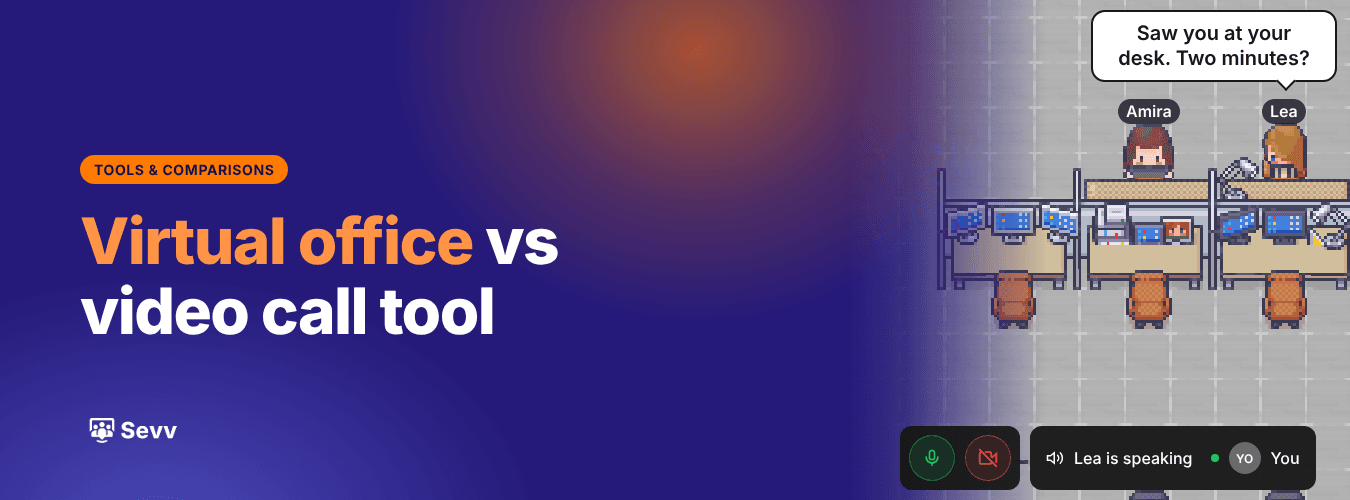
A virtual office is a shared map of an office that your team opens in the browser at the start of the day. Everyone has a desk. There are meeting rooms, a lounge and quieter corners. Audio and video work by proximity, so when you move next to a colleague you can hear each other, and when you walk away the conversation fades, just as it would on a real floor.
The difference that matters is presence. You can see that Lea is at her desk, that Jonas and Amira are in a meeting room, and that two people from support are chatting in the lounge. Asking a quick question means walking over, saying hello and getting an answer in 30 seconds. No link and no invite. No "got a sec?" message followed by ten minutes of waiting for a reply.
Sevv is one of these. It runs in the browser with no headset, and it is built for remote and hybrid teams of 10 to 100 people. Other virtual offices take different approaches, from game-style worlds to minimal floor plans, so it is worth knowing what you want the space to do before you pick one.
Why a day of video calls is so tiring
Stanford's Jeremy Bailenson studied this in 2021 and named four causes of video call fatigue. On a call, faces fill the screen at a distance we normally keep for close friends. You watch yourself all day, which he compared to being followed around by a mirror. You sit still because the camera has a fixed frame. And you work harder to send and read the small nods and glances that happen without effort in person.
Those costs come from the format of the call itself, and the scheduled model makes them add up. When every conversation has to be a meeting, the meetings multiply. Microsoft's 2025 Work Trend Index found that 57% of meetings are ad hoc calls with no calendar invite. The most interrupted fifth of workers get a meeting, email or chat ping every two minutes of the core working day.
Those ad hoc calls are people trying to have a quick conversation with a tool designed for a formal one. A two-minute question turns into a link, a wait while someone finds their headphones and a call that runs to 15 minutes because ending it early feels abrupt. Our remote team communication guide covers how to move routine updates to async, so fewer of these calls are needed at all.
What gets lost between meetings
The bigger cost is harder to see in a calendar. Microsoft researchers Longqi Yang, Jaime Teevan and colleagues tracked how more than 61,000 Microsoft employees worked before and after the company went fully remote in 2020. Their study in Nature Human Behaviour found that the share of collaboration time people spent with colleagues outside their own group fell by about 25%. Their networks became more siloed, and communication shifted from live conversation to email and chat.
A video call tool can't fix that, because those cross-team conversations were never scheduled in the first place. They happened when someone from product overheard a support lead on the phone, or when two people stood in the same kitchen queue. Nobody would book a meeting for them. Without a shared space, they simply stop.
New joiners feel this most. Someone who started after the team went remote has no history with anyone outside their own team, and no casual way to build one. They can go months knowing a colleague in finance only as a profile photo. Our 30-day remote onboarding plan goes into what helps in the first weeks.
Virtual office vs video call tool, side by side
The two tools overlap less than they seem to. Here is how they compare on the things that shape a working day.
Video call tool | Virtual office | |
|---|---|---|
Built for | Scheduled meetings with a set group | A shared working day |
How a conversation starts | Someone sends a link or an invite | You walk over to a colleague |
Seeing who is free | Calendar status and chat dots | People at desks, in rooms or in the lounge |
Audio and video | Everyone in the call hears everyone | You hear the people near you |
Best for | Client calls, large all-hands, webinars | Quick questions, pairing, everyday presence |
Where it struggles | Spontaneous and cross-team conversation | Large external events |
Neither column wins outright. They answer different questions. If you are weighing up which virtual office to try, our comparison of the best virtual office software for 2027 covers pricing and fit for each one.
When a video call tool is enough
Some teams do not need a virtual office, and it is worth being clear about which ones. If most of your people share a building three or four days a week, the office already does the job and video calls only fill the gaps. If your team is four people who message all day and talk once a week, another place to log into probably isn't worth the overhead. If your work is async by design, with long focus blocks and written handovers, constant presence can feel like noise.
A useful test is to look back at last Tuesday. Count the calls that lasted under ten minutes. If there were almost none, and nobody on the team says they feel cut off, your video tool is doing everything you need. Leading a team like that well is mostly about clear expectations, which we cover in managing remote employees.
Signs your team needs a shared space
The signals tend to show up in small habits long before they show up in survey scores. A standup where four of six people never unmute. A Slack channel full of "quick call?" messages. People who know colleagues outside their own team only by name. A new hire who, three months in, has spoken to the same five people.
Each of those points to the same gap. The team has a way to meet and no place to be together. Hybrid teams feel it in a specific way, because the people at home miss everything said in the corridor on office days. A shared virtual floor gives both groups the same place to bump into each other.
If you want to check for this without monitoring anyone, our guide to remote employee engagement explains what to look for and what to ask.
How the two work together
Most teams that add a virtual office keep their video tool. Zoom or Meet stays for client calls, investor updates and webinars, where outside guests expect a familiar link. Sevv lets you invite external guests too, so a client or candidate can join you in a meeting room whenever you would rather meet there. The virtual office takes over the internal day. Standups happen in a meeting room, questions get answered at someone's desk and Friday drinks move to the lounge.
Over time, some internal meetings stop being meetings. The weekly sync that existed mainly so people would see each other can go, because people already do. How much calendar time that frees up depends on your team, so it is worth counting before and after.
On cost, the numbers are small next to what most teams already pay for chat and video. Sevv's Growth plan is $4.99 per user per month, or $3.99 paid annually, so a 20-person team pays about $100 a month on monthly billing. Sevv is still working on recordings and AI summaries, so keep any meetings that need them in your video tool for now.
A shared space works best alongside clear habits, which we cover in how to build remote team culture.
A video call tool gives your team a way to meet. A virtual office gives them somewhere to be.
We go live on 14 December. Be one of the first to try Sevv.