
Remote onboarding best practices: a 30-day plan for small teams (2027)
A practical remote onboarding plan for teams of 1 to 100: what to do before day one, in week one and by day 30, so new hires ship something real and know who to ask.
Good remote onboarding comes down to four things. Everything works before day one. Day one is short. The first week ends with a small piece of real work shipped. And the manager checks in on a schedule instead of when they remember. This guide sets out that plan for teams of 1 to 100, with the first 30 days laid out in order.
Here is the version most teams run instead. The laptop arrives on Wednesday. Slack access comes on Thursday. The new hire spends day two reading a wiki last edited before they were hired, and by Friday they have met their manager once, on video, for thirty minutes. Nobody did anything wrong. Nobody did much of anything.
Gallup found that only 12% of employees strongly agree their organisation does a great job of onboarding. The same research found new hires are 3.4 times as likely to rate onboarding as exceptional when their manager takes an active part. Remote teams have less margin than most. In an office, thin onboarding gets patched by whoever sits at the next desk. Remotely, nobody does.
We have covered the people side of this, from buddies to intro calls, in our guide to building remote team culture. This post covers the mechanics: what to prepare, what to schedule, what to write down and what to measure.
Start before day one
Most of what goes wrong in week one can be fixed the week before. Ship the laptop at least seven days ahead and send the tracking number. If you cannot ship that early, say so during the offer conversation and agree a date. Create every account before the start date and test each login from a fresh browser. A new hire who spends the first morning locked out has already learned something about the company.
Contracts, payroll forms and equipment choices belong in that same window. Day one should not open with a form.
Send a short pack two days before they start, whatever day that falls on. It holds four things. The calendar for week one, with every meeting named and the person running it. A one-page list of who is who, with a line on what each person does and what they like being asked about. A reading list capped at five items. And a note from the manager saying where to be and when on the first morning, and what will happen there.
Write times in the new hire's time zone and your own. "3pm" means nothing to someone in Lisbon unless the invite says whose three o'clock. If this pack takes you a day to assemble, the team has not written down how it works. Our guide to remote team communication starts there.
Keep day one short
Day one at a remote company should end early. Two to three hours of live time is plenty. The new hire needs two things from it: to be logged in everywhere, and to know exactly what they are doing tomorrow. A conversation with their manager and one other person on the team fills the rest.
Skip the all-hands welcome. Being introduced to forty faces in a grid makes the company feel welcoming and does little for the person. Post a written welcome in the team channel instead, with a photo and two lines on what they will work on, and let people reply when they have a minute. The replies are the introduction.
Then give them the afternoon. Quiet time lets a new hire read, poke around and write down questions. Ask them to keep a running list, because it becomes the raw material for the onboarding doc later in this plan.
The first week is the loneliest stretch of a remote job, and we cover how to protect it in our piece on remote work loneliness solutions. A short, well-organised first day gives the new hire a small win before the silence of day two.
End week one with something shipped
Reading is the default first-week task and the worst one. A new hire can read for five days and still not know whether they could do the job. Give them one small piece of real work instead, scoped to two or three days and finished by Friday. It needs a clear owner on the team, a visible result and low stakes if it goes wrong.
What counts depends on the role. An engineer fixes a small bug and ships it. A designer revises one screen. A support hire answers ten tickets with a colleague reading along. An account manager runs one call with a senior colleague listening. The pattern is the same: something went out the door under their name.
This does two things reading cannot. It sends the new hire looking for the people who know things, because the work cannot be done without asking. And it gives them evidence, in their first week, that they can do the job. Both matter more remotely, where nobody sees you struggle or succeed unless you say so. Early autonomy sits among the drivers in our remote employee engagement guide.
Tell the team in advance. A first task only works if colleagues answer quickly, so ask people to treat the new hire's messages as a priority that week.
Let the new hire find the gaps in the onboarding doc
A good onboarding doc is written by people who already know the answers. That is why it still has holes. Nobody on the team can see what is missing, because they filled in the gaps themselves years ago.
Give the page to the new hire on day two and tell them to follow it as written. It is their guide for the first fortnight. Ask them to keep a note whenever it leaves them stuck: a step that assumes something they do not know, a term nobody explained, a question the page should have answered. Most new hires assume a gap is their own fault and will not mention it unless you ask. So ask, and say that a long list is useful to you.
A new hire is the only person who can find these gaps, because everyone else has long since stopped noticing them.
At the end of week two, spend thirty minutes going through the notes together and update the page in that conversation. Ask what confused them and what they wish had been there on day one. Ask who on the team should own each section, so the page keeps improving with every hire. The conversation matters as much as the edits. It tells the new hire their view counts, and it shows you where the team's habits hide behind assumptions.
Keep the page to a few sections. Who to ask about what. How the team communicates and when it expects replies. How work gets planned and shipped. The tools, with who owns each. And a short list of unwritten rules, such as whether it is fine to message someone directly or whether people turn cameras on. Unwritten rules cause more early mistakes than missing logins.
The question list from day one feeds this page. Anything the new hire had to ask twice belongs on it.
When the new hire is eight hours away
If the new hire sits more than four hours from the team, the plan needs two changes. Agree two overlap hours a day for the first fortnight and put them in everyone's calendar, so the new hire knows when answers come quickly. And record the walkthroughs. A twenty-minute screen recording of how the release process works, made once, saves the same explanation being given live to every future hire and lets someone in Auckland watch it at a sensible hour.
Spend the overlap hours on conversation. Keep the recordings for anything that can be shown.
Put the manager on a schedule
An active manager, in remote terms, means a diary rather than good intentions. A manager who plans to check in when they have a moment will not have a moment.
Block the time before the hire starts. A rhythm that suits most small teams is a daily ten-minute call in week one, a weekly one-to-one from week two and a longer conversation at day 30. The daily call has one agenda: what did you get stuck on, and what is tomorrow? Ten minutes is enough, and the habit tells the new hire that asking is expected. Our guide to managing remote employees makes the case for fixing one-to-ones in the calendar.
Write down what good looks like at day 30, day 60 and day 90, in plain sentences, and share it in week one. "By day 30 you will have shipped three small changes and can run the weekly report without help" gives a person something to aim at. "Get up to speed" does not. Gallup's research finds only about half of employees strongly agree they know what is expected of them at work.
Allow for the time it really takes. Gallup's experience is that new employees take around twelve months to reach their full potential in a role. Day 90 is a checkpoint on a longer road.
Where a virtual office fits
Everything above works with Slack, Zoom and a shared drive. The part those tools struggle with is the question a new hire never asks out loud: is it okay to interrupt you? In an office they can see you at your desk, and they walk over. Remotely they type a message, watch the three dots and decide it can wait.
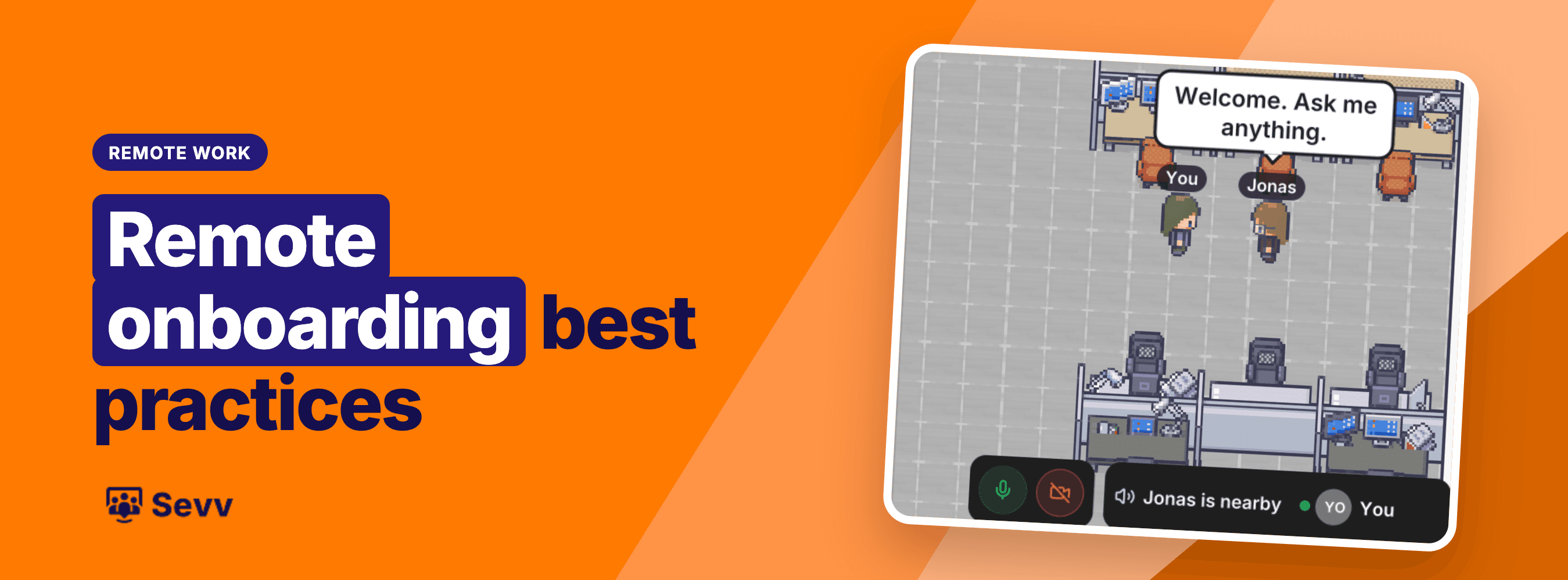
A virtual office puts the floor back. We make Sevv, where a new hire sees who is around, walks their avatar over to a colleague and starts talking. Proximity audio means they hear the people next to them and nobody else, so a question takes ten seconds instead of a calendar invite. Pair that with the daily ten minutes and the first week stops being a string of scheduled calls. If you are weighing options, our comparison of virtual office software puts nine side by side, ours included.
How to tell it worked
Skip the twelve-question survey. Four checks are enough and none needs a tool.
Measure the days from start to first shipped piece of work. If it takes more than ten working days, something is blocking them. Notice how many questions they asked in week one, because a hire who has asked almost nothing is usually not comfortable asking, which is different from having nothing to ask. At day 30, ask who they would message with a question that has nothing to do with the job, and see whether they can name someone. And ask what was missing, in a conversation with someone other than their manager, because people soften feedback for the person who writes their review.
The next person you hire has a first morning coming. Decide now what is waiting for them.
Sevv is a virtual office for teams that work apart. Join the waitlist and give your next hire somewhere to walk into.