
Chat channels, pairing bots, video socials and virtual offices all claim to be a virtual watercooler. Here is what each does well and where it goes quiet.
Virtual watercooler tools give remote colleagues a reason to talk with no agenda. They come in four kinds: a chat channel, a pairing bot, a scheduled video social and an always-on virtual office. The first three work well for a few weeks and then fade. The fourth comes closest to what a physical watercooler did, which was put people near each other without anyone having to decide to.
Here is an illustrative Tuesday at a company of 40. Priya in finance has a question for Tom in operations. In an office she would have walked over. Now she opens Slack, sees his green dot, wonders whether he is in a meeting and decides it can wait for Thursday's sync. By Thursday she has forgotten half of what she wanted to ask.
Nobody did anything wrong there. Asking simply cost more than the question was worth. A good virtual watercooler tool lowers that cost, and the four kinds do it very differently.
What the physical watercooler actually did
It worked for two reasons. Nobody had to decide to socialise, because you went for water and the conversation happened to be there. And you could see who was standing around before you committed to walking over.
Almost every tool in this category fails one of those two tests. Either it asks people to make a deliberate choice to be social, which means the quiet ones never do. Or it hides who is around, so every conversation starts with a small gamble. Keep both tests in your head as you read on. They explain most of what follows.
The other half of a healthy remote setup, the work conversations, is covered in our guide to remote team communication.
Chat channels and the #watercooler that went quiet
Every remote team tries this first, and it makes sense. Slack, Microsoft Teams and Discord are already open, a new channel costs nothing and somebody posts a photo of their dog. Vantage Circle's guide to virtual watercooler conversations describes the usual next step. The channel goes quiet once the excitement of the first week wears off.
The reason is easy to see. Posting in a channel is a small public performance. Forty people might read it, so you want it to be funny or interesting, and most of the time you have nothing funny or interesting to say. The people who post are the ones who were already comfortable posting.
Channels still earn their place. They suit birthdays, book recommendations and anything that works as a one-way share. Treat the channel as the noticeboard and look elsewhere for the conversation. Our piece on remote employee engagement looks at what builds real connection without turning visibility into surveillance.
Pairing bots and random coffee
Donut is the best known. On a recurring schedule it picks people at random and pairs them up, sends each pair a direct message and nudges them to meet for a virtual coffee. Other apps do the same inside Microsoft Teams. Coffeeno pairs colleagues for a coffee break, and Watercooler for Microsoft Teams matches small groups by shared interests for 15-minute breaks.
These tools are good at one thing, which is introducing people who would never otherwise meet. A new hire in week two gets a conversation with someone outside their team without having to ask for one. For a company spread across three time zones, that matters.
The weakness is that a pairing is still an appointment. It can land on a busy Wednesday with a stranger, and skipping it costs nothing. Nobody decided to be social, they were told to be, and that is the first test failing again. If onboarding is your main reason for looking, our guide to building remote team culture covers how to introduce new hires to people as well as to tools.
Video happy hours and scheduled socials
Quizzes, virtual happy hours, games and interest clubs all sit in this group. Plenty of Zoom happy hours turned out underwhelming in practice, and a virtual watercooler needs a fresh format and a starting point for the conversation if it is going to last.
Done well, a scheduled social gives a team a shared memory, which a chat channel never will. The Friday quiz gets mentioned on Monday. The climbing club becomes the reason two people from different departments start talking.
Done badly, it is a standup where four of six people never unmute, with a quiz round bolted on. Attendance is optional, so the people who most need it skip it. And because it is scheduled, it only ever happens at the scheduled time. Nobody bumps into anyone at 3pm on a Tuesday. Our write-up of what helps and what backfires against remote work loneliness is worth reading before you add another recurring event to the calendar.
Always-on virtual offices
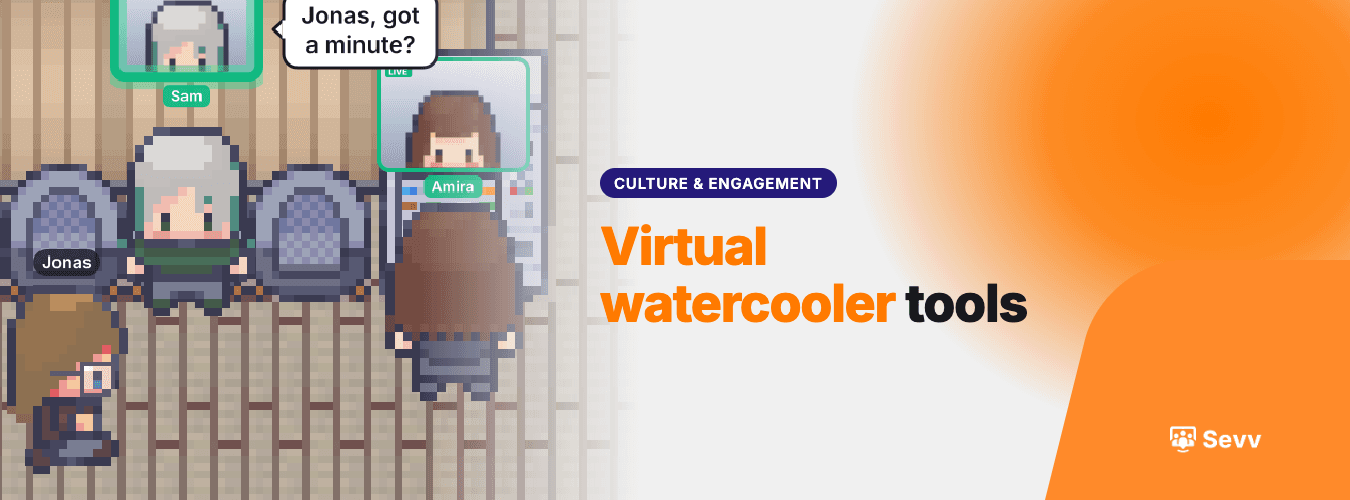
The fourth kind changes the shape of the problem. Instead of scheduling a social moment, you give the team a place to be. Gather, Kumospace, SpatialChat and Sevv all work on this idea. People appear in a shared space, you can see who is around and you can walk up to someone and talk. Whether anyone says anything is up to them.
That passes both tests from earlier. Nobody has to decide to socialise, because being in the space is the default and the conversation happens to be nearby. And you can see who is there before you approach, so the small gamble goes away. The green dot in Slack tells you someone's laptop is open. A person sitting in the lounge tells you they are free to talk.
Sevv is built this way. It has desks, meeting rooms and social spaces, with proximity audio and video that run in the browser and need no headset. As you move closer to someone you hear them, and as you move away you stop. The lounge is where the watercooler lives, and the first thing it removes is the calendar invite.
The tools in this group differ in look, in how they handle video and in whether they were built for daily use or for events, so try a couple with your own team before you commit. We compare eight of them in our guide to the best virtual office software.
Be honest about the limits too. An always-on office needs people to actually be in it. If the team opens it once a week for a meeting, it will feel empty, and an empty room is worse than no room.
When your team lives in different time zones
Take an illustrative company of 40 with people in Lisbon, Amsterdam and Toronto. They might share three working hours a day. That changes which tools make sense.
A scheduled social lands in someone's evening or someone's breakfast, and the same people always take the hit. A pairing bot copes better, as long as it matches people whose hours overlap. A chat channel works across time zones but tends to go quiet, as above. An always-on office works in the overlap hours and sits empty outside them, which is fine. Offices are empty at 2am too.
Teams in that position usually get more from a place that is reliably busy for those three hours than from an event that suits nobody. Treat the overlap as the company's shared lunch hour and protect it from meetings. Our guide to managing remote employees is a good companion for setting those habits.
Which one to try first
Match the tool to the problem you actually have. If new hires feel invisible, a pairing bot is a cheap first move. If nobody ever bumps into anyone, you need a place where that can happen.
Then go first yourself. A founder sitting in the lounge at four in the afternoon, doing their expenses with the door open, tells the team more than any announcement does. People copy what they see leaders do, and they notice quickly when leaders only talk about it.
Keep the watercooler separate from performance. The moment people suspect it is being watched, they stop going. Say plainly what is and is not tracked, and then keep to it.
Start small. Pick one tool and one group, perhaps the ten people who work most closely together, and give it a month. Then look for one signal. Count the conversations between people who do not share a manager. Hours of usage will flatter almost any tool. Those conversations show whether it is doing the watercooler's job.
The watercooler was a place where people happened to be at the same time. That is the thing to rebuild.
If you want to see how that feels with your own team, join the Sevv waitlist.