
Slack and email are organised around messages. A shared space is organised around people. Here is how that one difference changes what remote teams say, and how to tell which conversations belong where.
A communication tool moves a message from one person to another. A shared space puts people where they can see each other, so a conversation can start before anyone has a message to send. Slack, Teams and email are organised around the message. A virtual office is organised around people and where they are. Most remote teams of 10 to 100 people run almost entirely on the first kind, and that choice shapes what gets said and who says it. This article covers four differences that matter, and a quick way to work out which of your team's conversations belong where.
Tools sort conversations by topic, spaces sort them by people
Open Slack and the left-hand column is a list of subjects. #product, #support, #launch-dec, #random. You reach a conversation by deciding what it is about. Open a virtual office and you see a floor of people. You reach a conversation by deciding who to stand near.
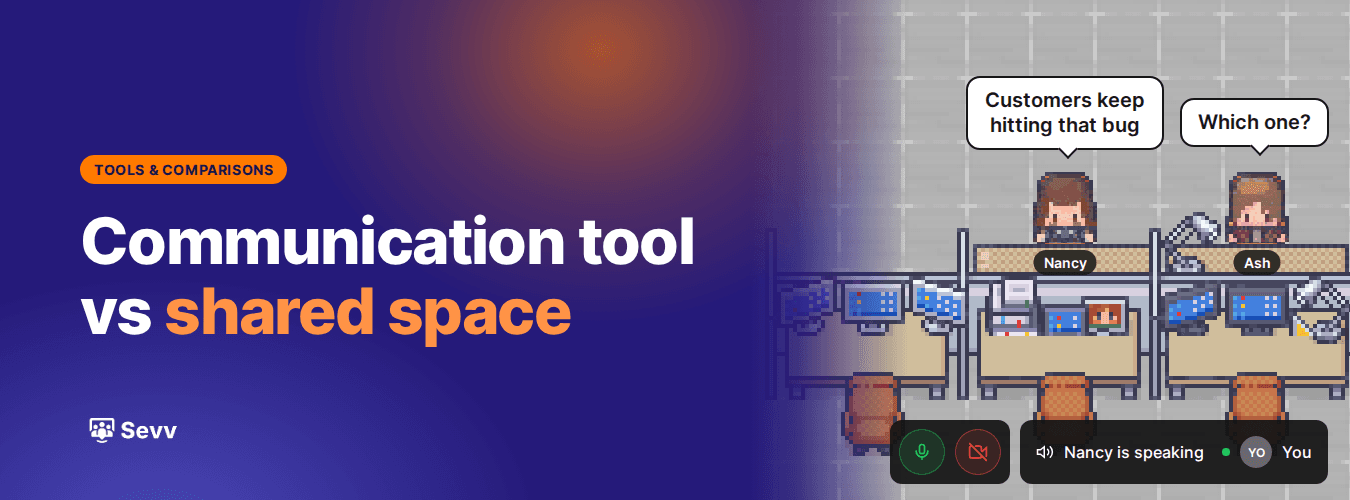
That sounds like a detail of interface design. It changes who talks to whom. A channel gathers the people who already care about a topic. A floor gathers the people who happen to sit near each other, and they often care about different things. The support lead who sits beside the product manager hears which bug customers keep phoning about. Neither of them would ever have joined the other's channel.
Thomas Allen at MIT studied this in research published in his 1977 book Managing the Flow of Technology. He tracked how often engineers in research and development labs talked to each other, and found that the likelihood fell steeply with the distance between their desks. In a later summary of results from seven laboratories, he showed that the drop levels off within the first 50 metres. Beyond that, colleagues spoke about as rarely as if they worked in separate buildings. Phone calls and email fell off with distance too. The pattern became known as the Allen curve.
A communication tool removes distance altogether, which sounds like the cure. It also removes the nearness that made unrelated people talk. When everyone is equally far away, people only talk to the colleagues they already had a reason to contact. We looked at what that does to how well people know each other in why remote teams are lonelier than ever.
Every message leaves something behind
A message in a communication tool stays put once it is read. It sits in a channel with a timestamp and your name on it, and anyone can search for it next March. Until it is opened, it is also a small red number on someone else's screen.
Both of those raise the price of saying anything unfinished. Picture a product designer at a 30-person company, 11:40 on a Wednesday. She has a half-formed worry that the new pricing page buries the trial terms. She types it into #product, reads it back, adds "probably nothing, ignore if busy" and then deletes the lot. Typed out and posted to 14 people, a hunch reads like a complaint about someone's work. Said out loud to the one person who built the page, it would have been a 40-second conversation and possibly a five-minute fix.
The unread count does similar damage from the other side. Every message you send becomes a small task for the person receiving it. Considerate people notice this and send less. So the colleagues most careful with other people's time end up being the quietest ones on the team, which is the reverse of what a team needs.
Written communication is still the right tool for a lot of work. A record is exactly what you want for a decision, a handover or anything someone will need to find again in three weeks. Our ultimate guide to remote team communication covers how to make that written layer work well. The trouble starts when writing is the only layer a team has, and every passing thought has to become a permanent, notifying message before it can exist at all.
A room keeps no score
A shared space has no backlog. Step away for an afternoon and nothing piles up while you are gone. When you come back, the room is simply as it is now. You can see who is at their desk and who has gone into a meeting. There is nothing to catch up on, because you can't fall behind on a room.
What is said in a room also stays in the room. A thought spoken to the person next to you reaches one person, carries the tone of your voice and leaves no trace. People will float an idea out loud that they would never post, because saying it costs nothing if it turns out to be wrong. Plenty of good ideas start out slightly wrong and get better in the first two minutes of talking about them.
That makes a shared space the natural home for the early stage of a thought. It is where you find out whether something is worth writing down. When it is, the outcome goes into the channel or the doc, where the people who weren't there can find it. Agreeing as a team on when that hand-off happens is one of the habits we cover in how to build remote team culture that people actually feel.
In a shared space, the seating plan matters again
Because a space sorts people by where they are, deciding where they sit becomes a real decision again. In a chat tool, the closest equivalent is choosing which channels a new person joins on day one, and most teams leave that to a default list nobody has looked at since it was set up.
Put a new hire's desk next to the person they will learn most from, and they will pick things up just by being nearby. Seat support beside product, and customer problems reach the roadmap without anyone filing a ticket. When the founder works from a desk on the open floor instead of a private room, asking them a question starts to feel normal. In a virtual office these moves take a few seconds and can be undone the next morning, so it is worth trying a couple of arrangements and watching what changes over a fortnight.
The same goes for hybrid teams, with one condition. The people in the physical office need to be on the virtual floor as well, or the corridor talk on office days stays out of reach for everyone at home. We cover that split in more depth in why hybrid work isn't working for your team.
Sorting your team's conversations into the right place
The practical question for most teams is which conversations belong in which place. A useful exercise takes about twenty minutes. Open your own direct messages from last week and read through them with two questions in mind.
The first is whether anyone will need to find this again. Decisions, handovers and links belong here, along with anything a colleague in another time zone has to act on while you sleep. Those belong in a communication tool, and they are worth writing carefully. If your team spans eight hours of time difference, a large share of your work will rightly stay written, and a shared space will matter mostly during the hours you overlap.
The second is whether the message was really an opener. "Got a sec?" "Quick question." "Are you around?" These are messages whose only job was to start a conversation. The real exchange then happened on a call, or dragged on in a thread, or never happened at all. Count those. Then count the threads that ran to fifteen messages over two hours to settle something a two-minute chat would have settled. Those are the conversations a shared space is for.
You don't need to move everything at once. Pick the opener you send most often, the one that turns up five times a week, and agree as a team that it now means walking over. If the person is at their desk with nobody nearby, go and ask. If they are in a meeting room with the door closed, write it down and send it. A week or two of that one rule will tell you whether the space is earning its place.
Most people who try this find the second group is bigger than they expected. It is also the group that never shows up in any dashboard, because conversations that didn't happen leave no record. If you are deciding what a shared space needs to do well, what to look for in a virtual office platform walks through the checks.
Where Sevv fits
Sevv is a virtual office for remote and hybrid teams. Your team opens it in the browser and gets a shared floor with desks, meeting rooms and a lounge, with no headset and nothing to install. Proximity audio and video mean you hear the people near you, and the conversation fades as you walk away. You can see who is around and walk over, so the opener messages stop being necessary.
Sevv also has chat built in, so you can message a colleague or send a file without leaving the office. Quick written exchanges can live in the same place as the conversations that start them. Plenty of teams will still keep Slack or Teams for the long record of decisions and docs, and Sevv works fine alongside it. What changes is that your written messages now sit in a place where people can also see each other.
Most of what a team knows was said out loud before anyone wrote it down. A remote team needs somewhere to say it.
We go live on 14 December. Be first in line when we open.